Set up a minimalist home screen on Android
A calm home screen in about ten minutes: fewer apps, a few categories, favourites on top and no wall of icons.
Updated 9 November 2026
A minimalist home screen isn’t about having as few apps as possible. It’s about seeing only what you need, without pages of colourful icons. This setup keeps every app one tap away, grouped so you don’t have to hunt.
Step by step
Remove what you don’t use
Go through Settings › Apps and uninstall apps you haven’t opened in a month or two. Disable preinstalled apps you can’t remove.
Install a list-based launcher
Install Pageless from Google Play and open it. Setup takes about a minute.
Pick at most eight favourites
Choose the apps you open every day. They stay at the top of the screen. Fewer is calmer: four is plenty for many people.
Make four to six categories
In Settings › Categories, create categories such as Talk, Work, Money, Travel and Tools, and sort your apps into them. Every app belongs to one.
Hide the apps you need rarely
Long-press an app and hide it. It stays installed and search still finds it.
Choose a quiet look
Use the Minimal style in light or dark, or follow the system setting. Turn notification dots on only if you want them.
Make it your home screen
Tap Choose Home app in setup or Settings, and pick Pageless.
What it looks like
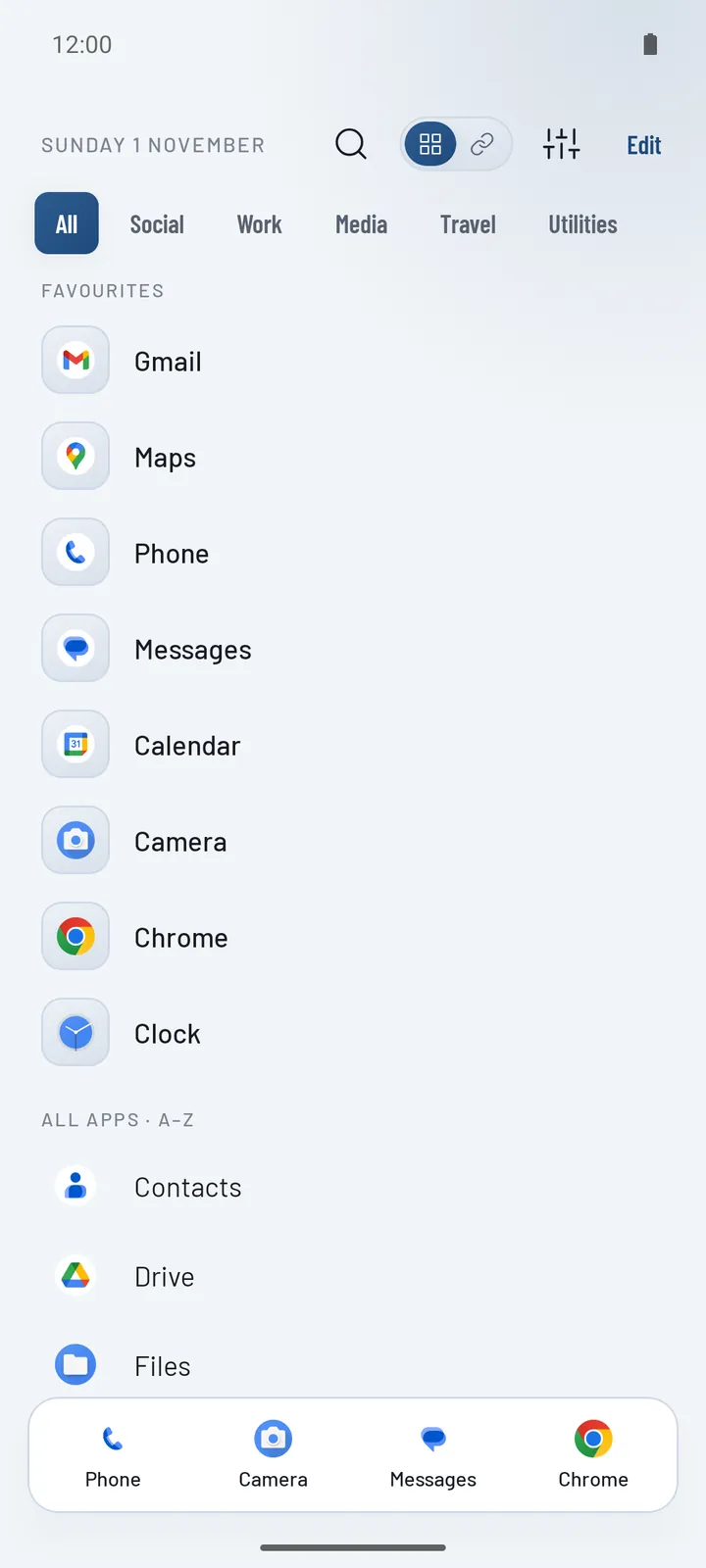
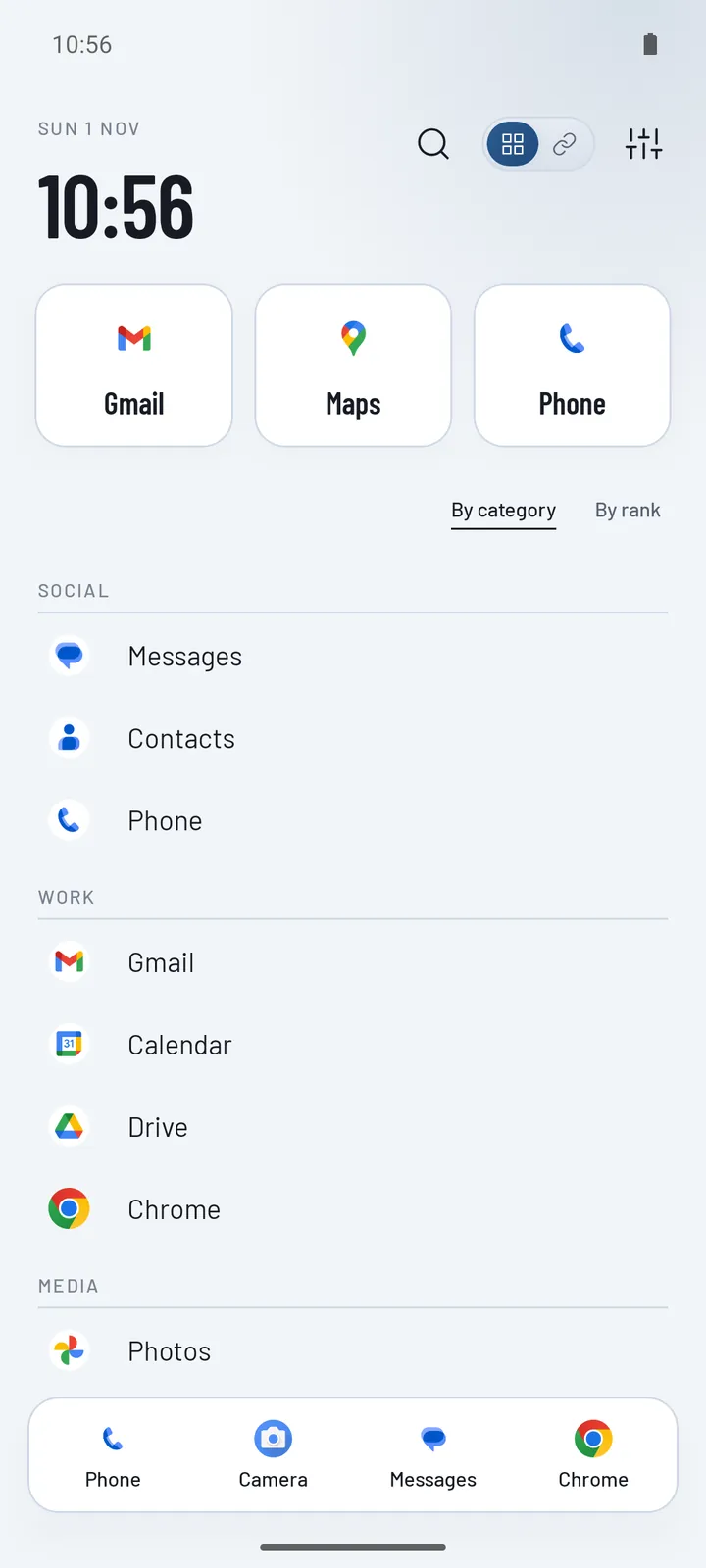
Want a different shape? The Now layout puts a big clock on top, and Folders keeps each category closed until you tap it. See all layouts.
Tips that keep it minimal
- Turn off notification dots for a week and see if you miss them.
- Search instead of scrolling for apps you open once a month.
- Keep categories broad. Five categories of ten apps beat fifteen categories of three.
- Review monthly. New apps wait in Uncategorised: place them or uninstall them.
Questions
Does a minimalist launcher reduce screen time?
It can help by removing the colourful grid that invites you to open things, but it doesn’t block apps or limit time. For limits, use Android’s Digital Wellbeing alongside it.
Is a minimalist home screen free on Android?
Yes. Pageless Basic is free: the A–Z list, your own categories, favourites, quick actions, search, hidden apps and the Minimal style.
Can I still use widgets?
Not on Pageless, which keeps the home screen to your apps. If you want a minimalist list with widgets, Niagara is a good option.