Themes and styles
Make the home screen yours without making it busy: one-tap themes, styles, backgrounds and fonts.
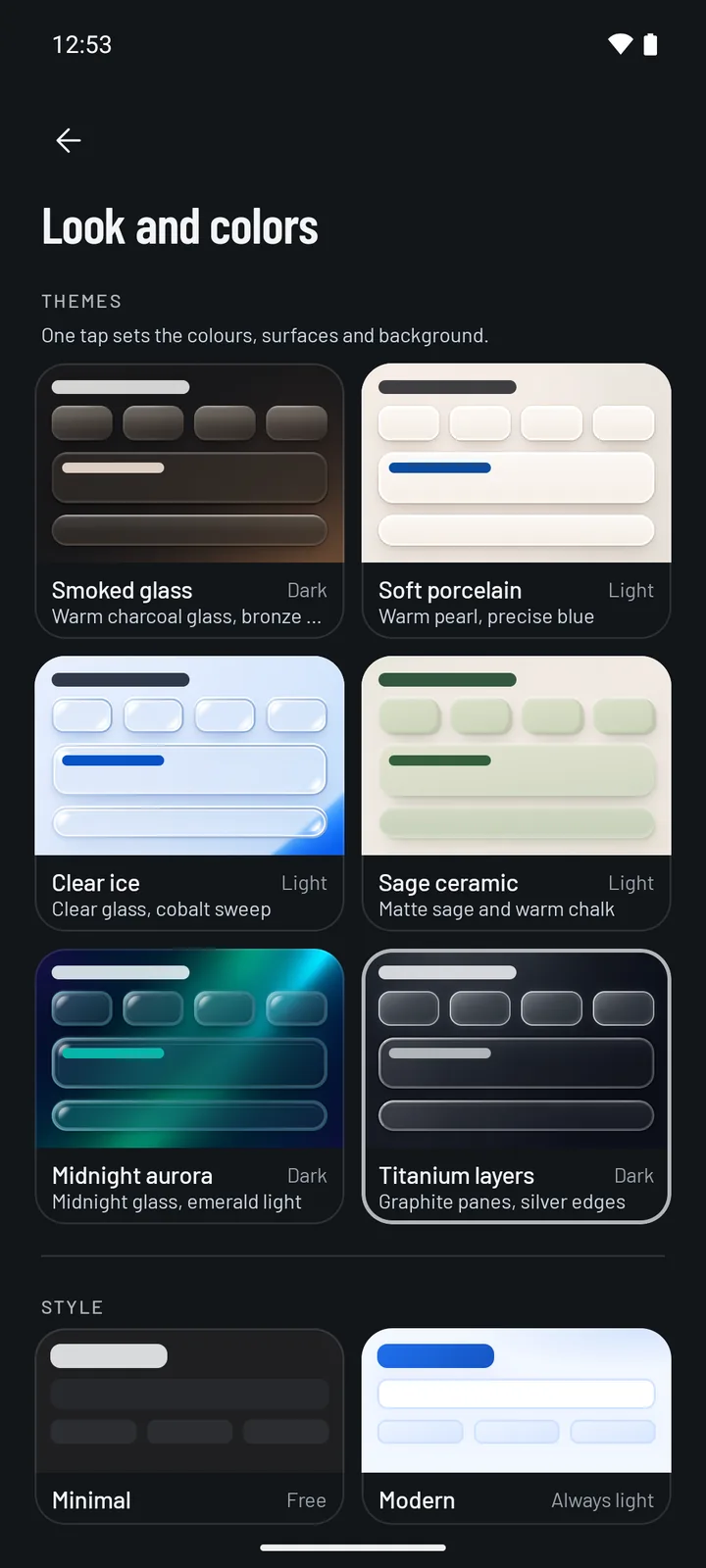
Six one-tap themes Pro
Each theme sets the colours, the surfaces of cards and buttons, and a matching background in one tap. Pick one in Settings › Look and colors.
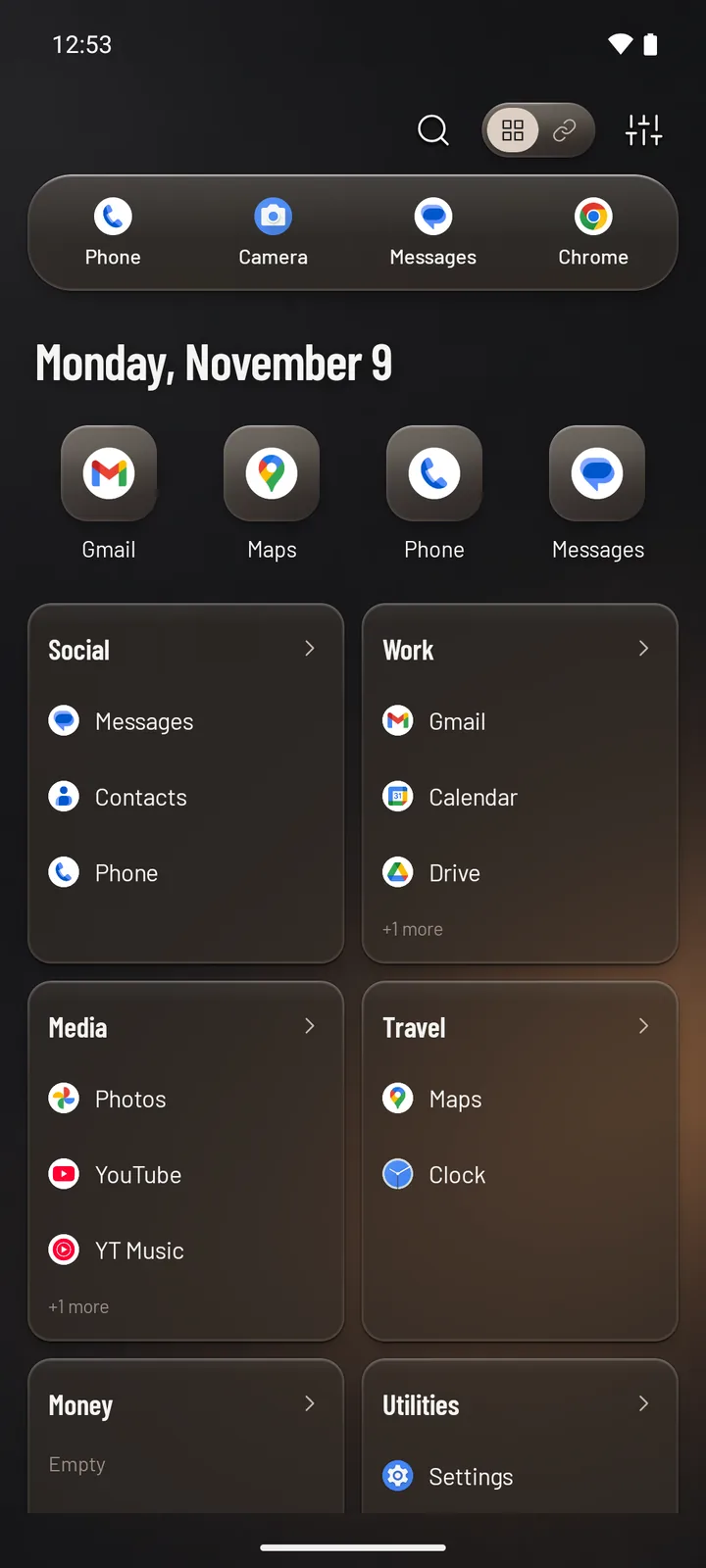
Warm charcoal glass with a bronze glow.
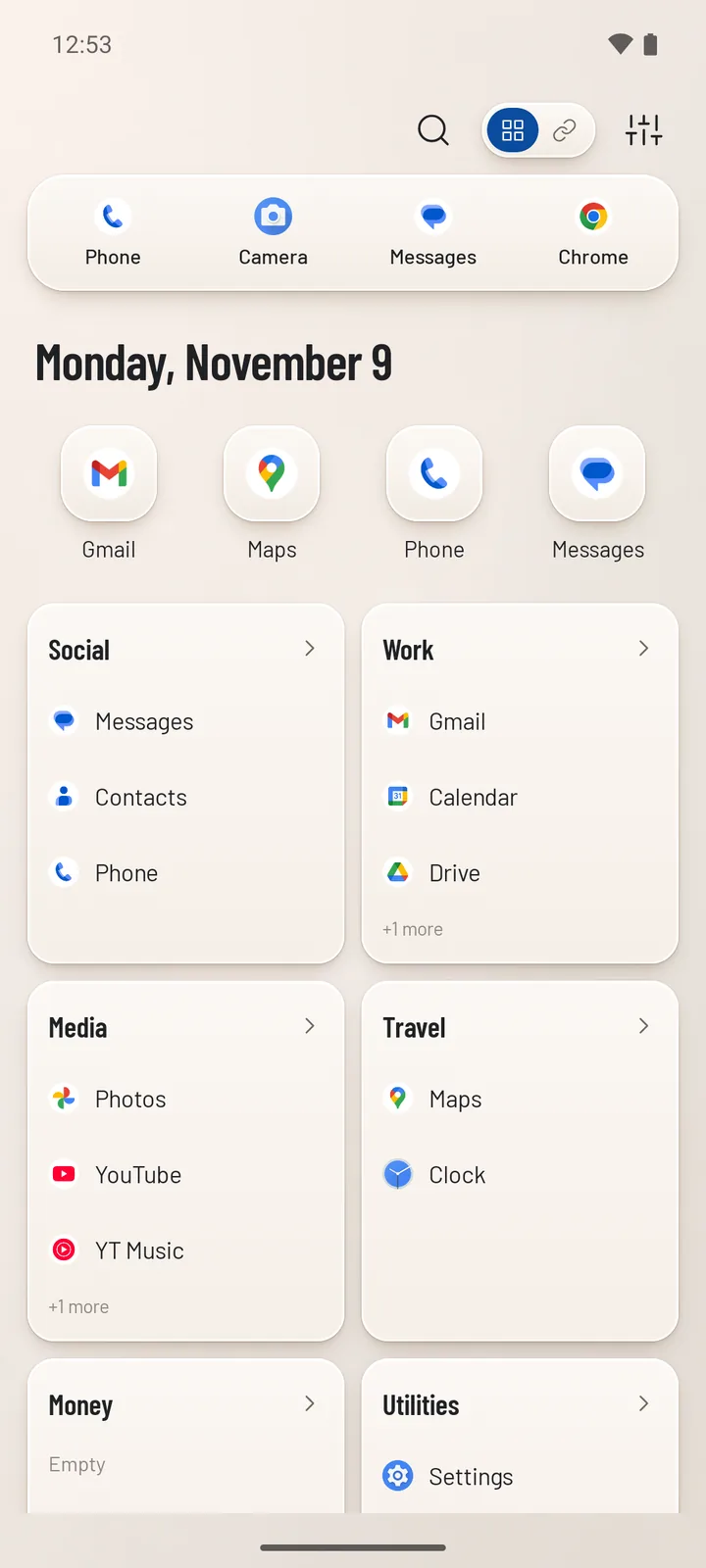
Warm pearl surfaces with a precise blue.
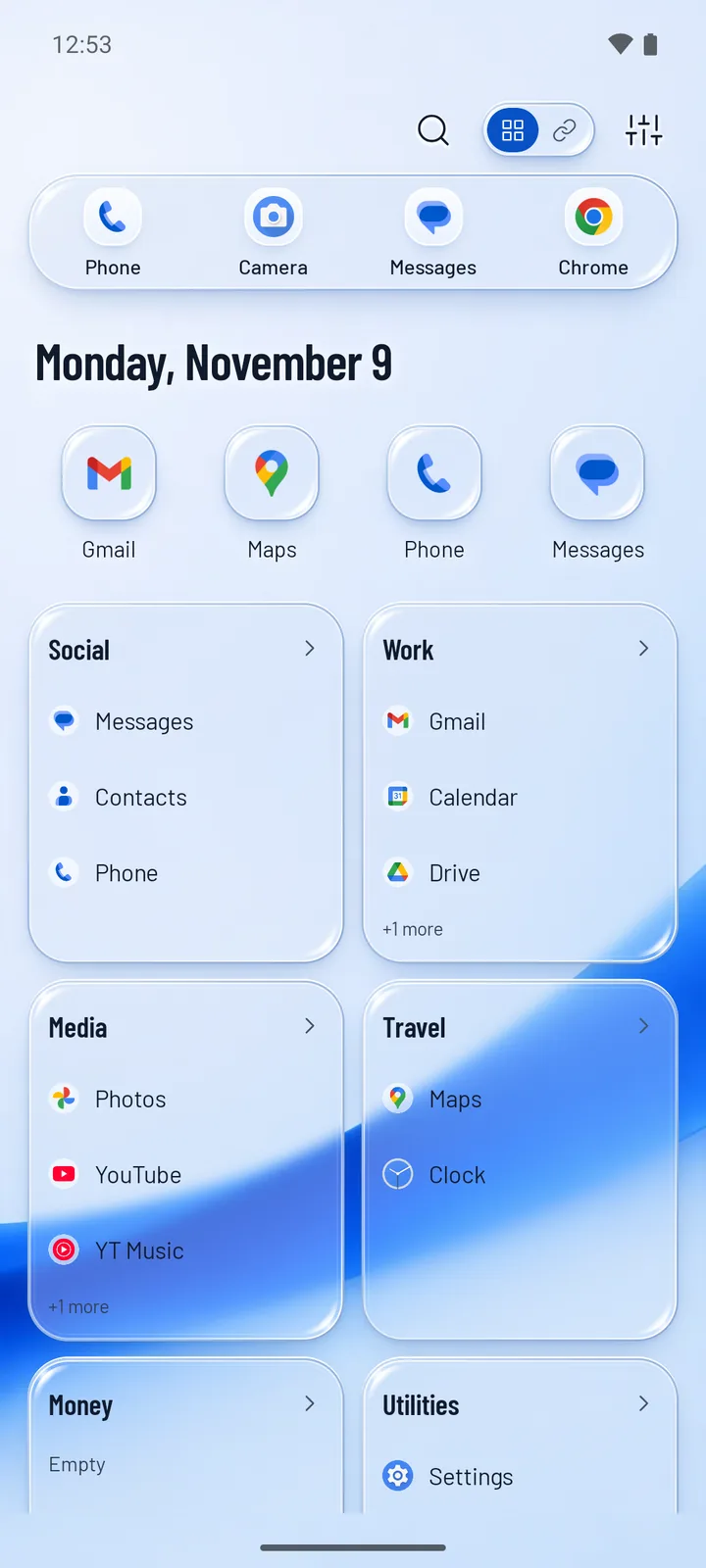
Clear glass with a cobalt sweep.
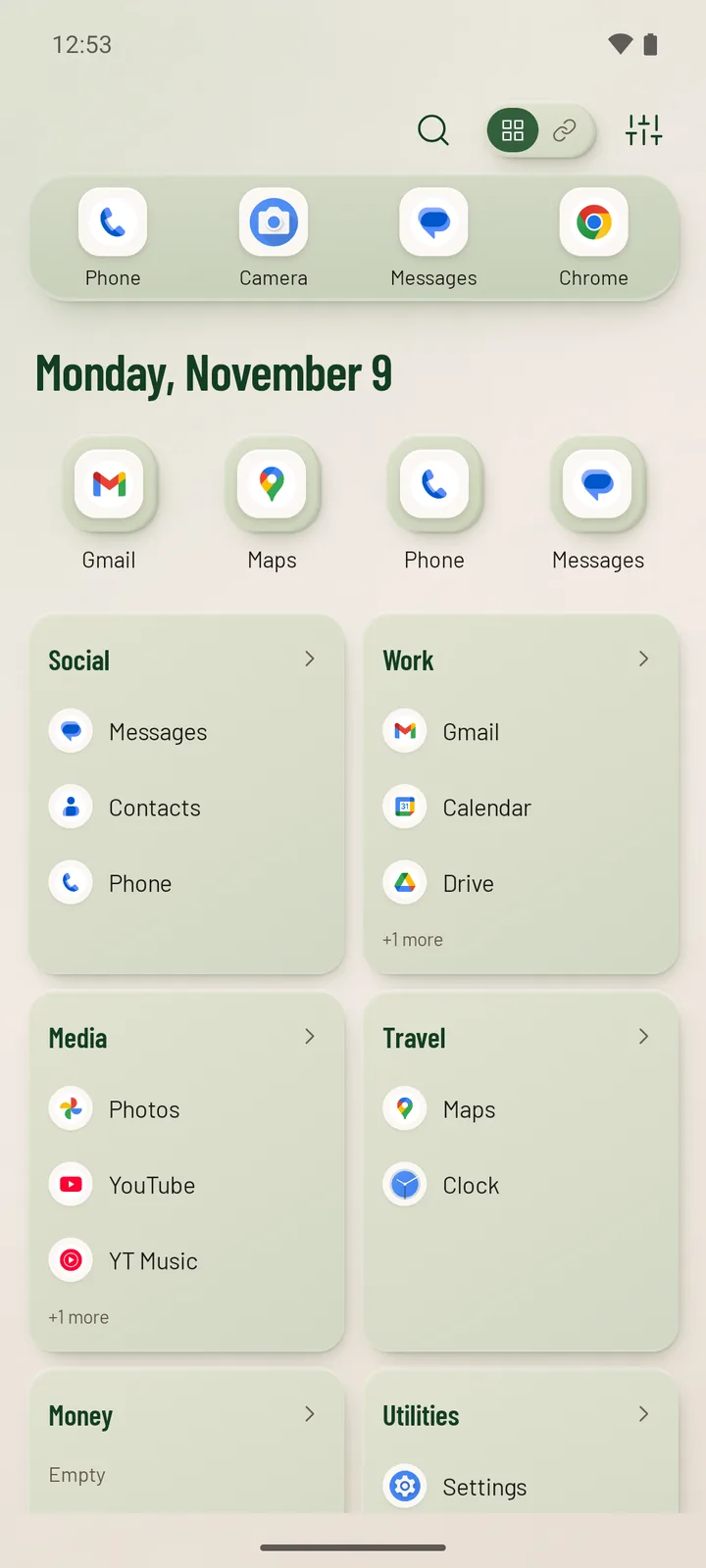
Matte sage and warm chalk.
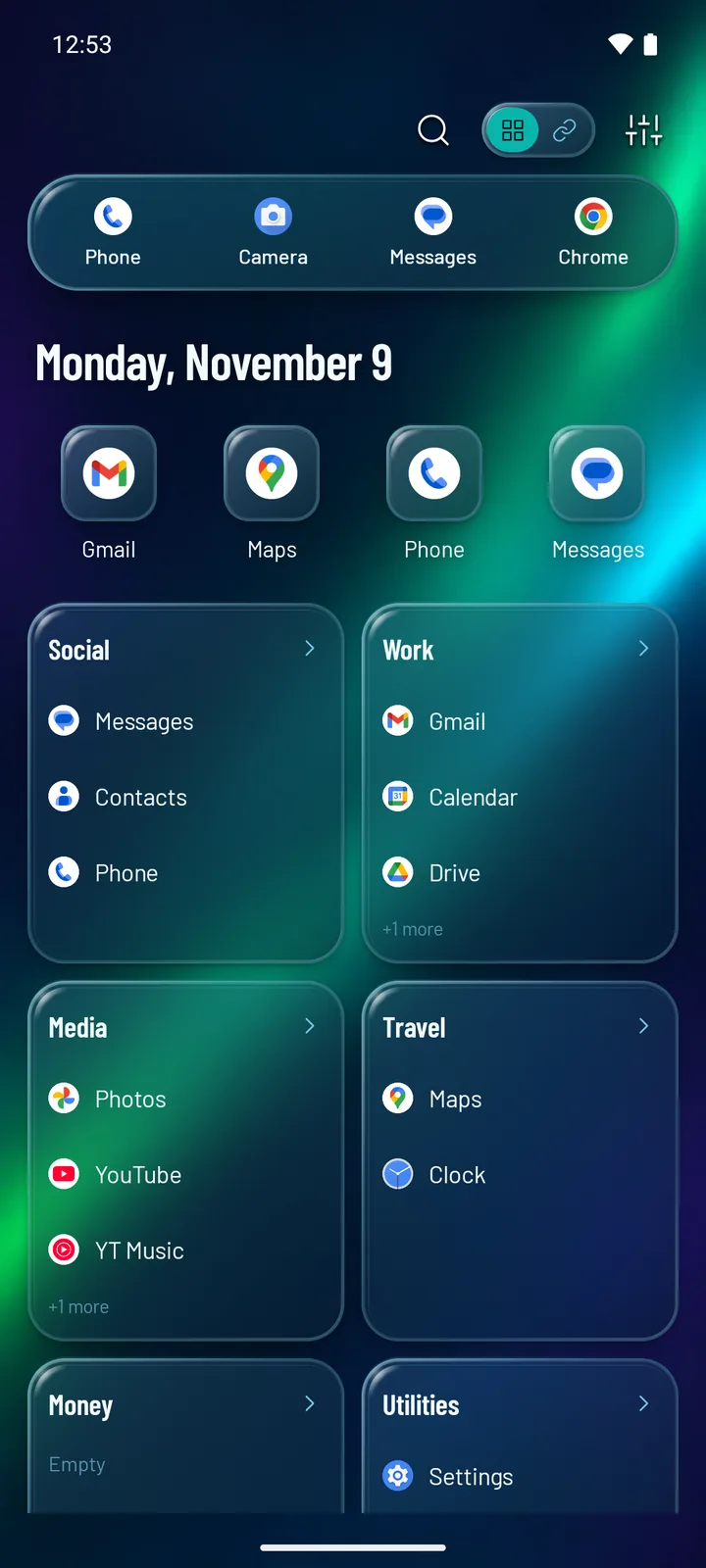
Midnight glass with emerald light.
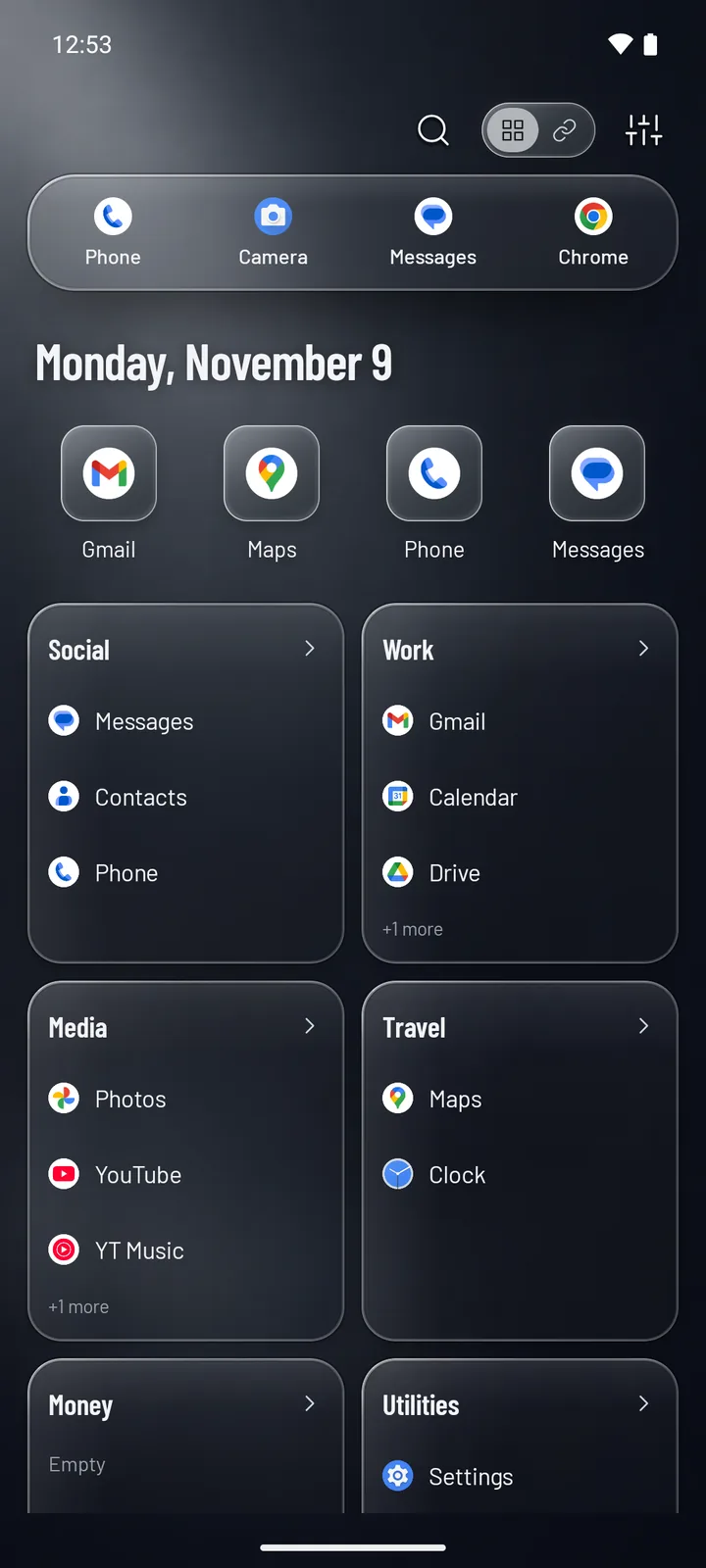
Graphite panes with silver edges.
Four styles
Prefer to put a look together yourself? Start from a style.
- Minimal (free): quiet and flat, in light or dark, or following your phone’s setting.
- Glass Pro: frosted surfaces over your background, in light or dark.
- Modern Pro: always light, with accent colours.
- Futuristic Pro: always dark, with accent colours.
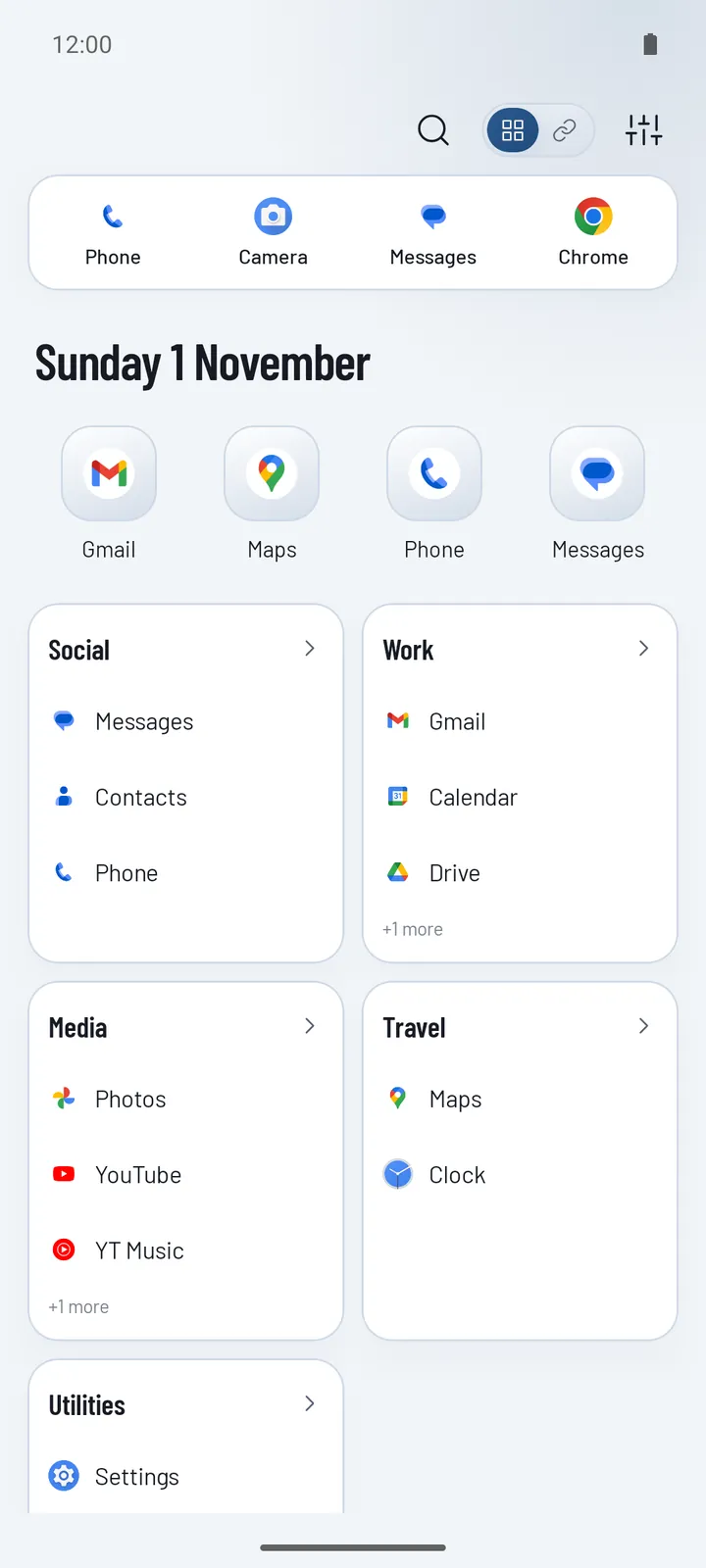
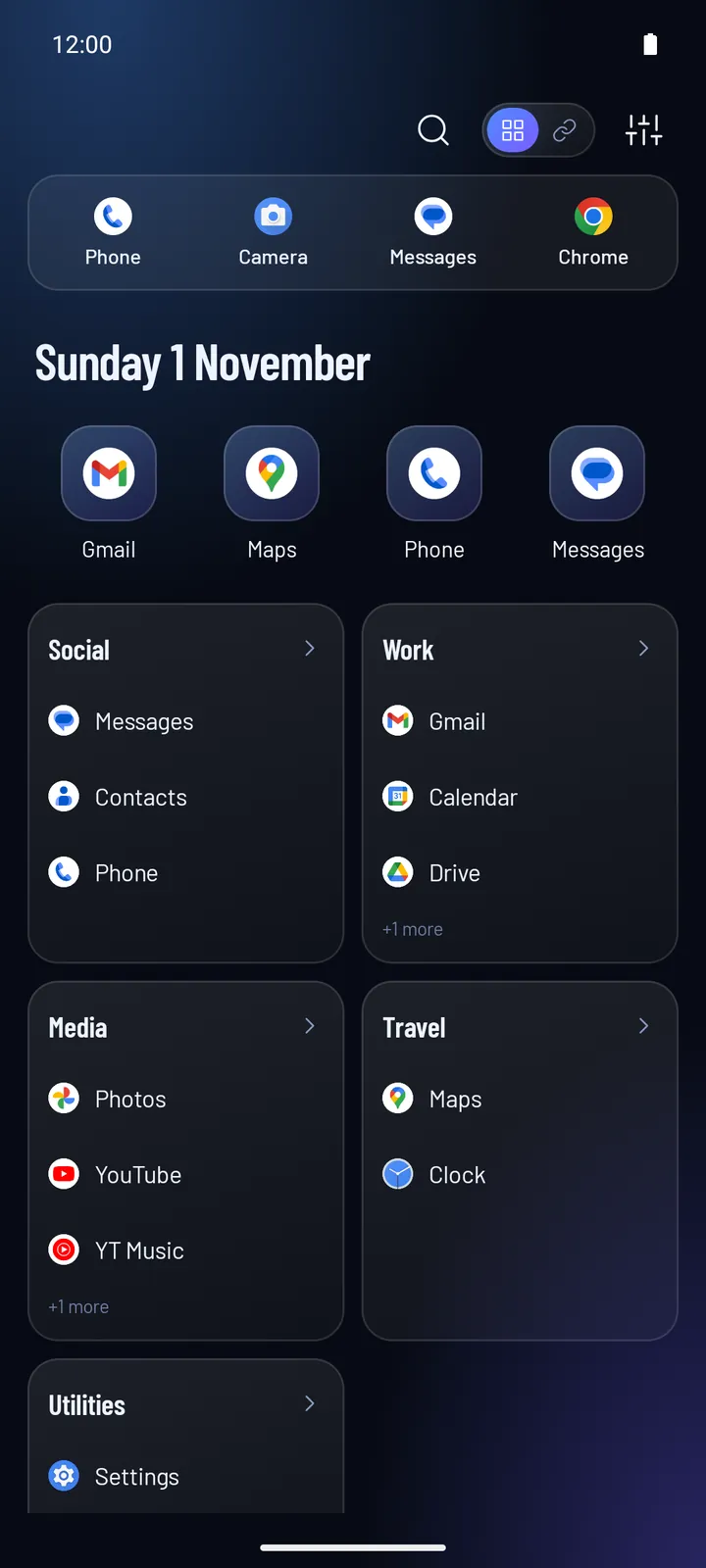
Backgrounds, accents and fonts
- Backgrounds Pro: ten built-in gradients, from Dawn and Sky to Forest and Dusk, or your own photo, picked with Android’s photo picker.
- Accent colours Pro: for the Modern and Futuristic styles.
- Fonts (free): Barlow, Inter, Nunito or Space Grotesk, with separate weights for titles and app names.
Every theme and style works with all five layouts.
Questions
Are the themes free?
The Minimal style is free in light and dark. The six themes, the Modern, Futuristic and Glass styles, accent colours, gradients and your own background photo come with Pageless Pro. Everything is unlocked for the first 7 days.
Do themes change my layout?
No. A theme only changes colours, surfaces and the background. Your layout, categories and favourites stay as they are.
Does Pageless support icon packs?
No. Apps keep their own icons; themes style everything around them.